Designing an App
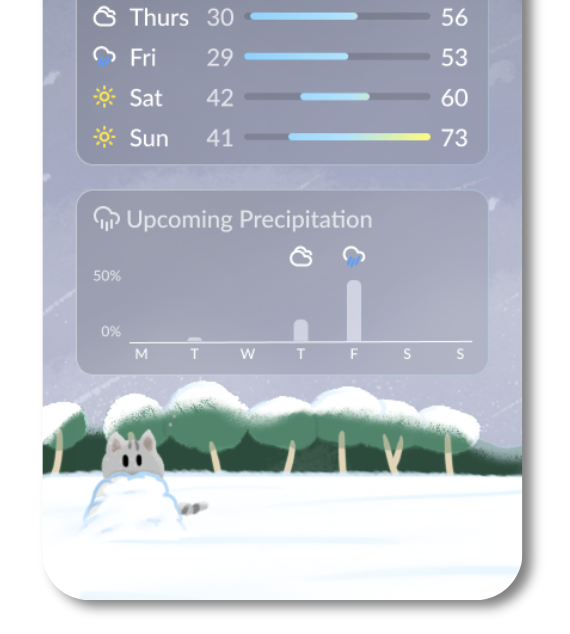
Dynamic Web App Using NWS/EPA API.
March, 2025
Introduction
For my Software Design class, I had to create a weather app using JavaFX. I was going to keep it simple, as I already have a lot of classwork to do, but then I heard a magical phrase. "The top 3 projects get an automatic A in the class." And with that, I decided to invest my time in order to hopefully get it back later.
I spent about 30 hours on this project, including redoing it entirely after the project structure was getting too messy. I did end up with a good project in my opinion, but looking back, I would not have done the same again.
This is not exactly a tutorial or even a list of what I did, but more of the lessons learned while creating this project.
Prototyping
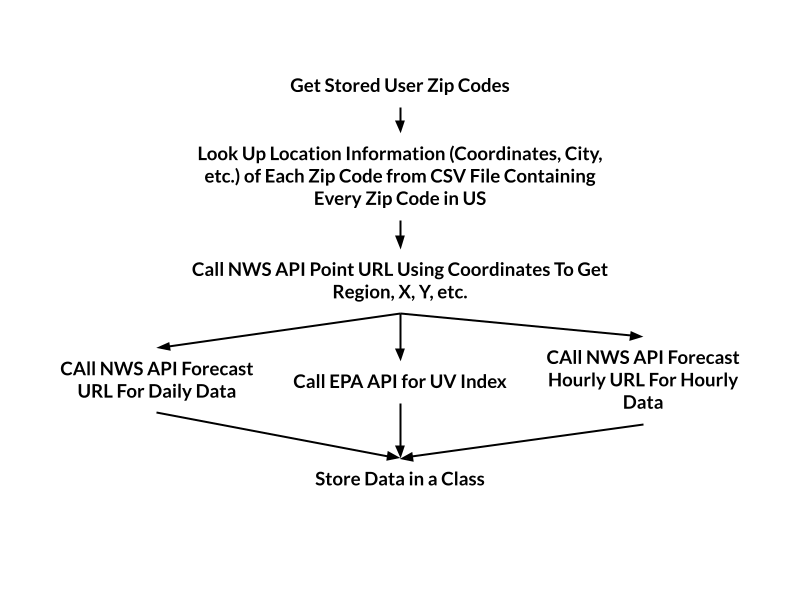
Before making the design, I had coded up all the API calls to find out what information I had access to. The project folder included a coded API call for daily information about weather from the National Weather Service, but I wanted hourly data, so I used a different API URL for this. I also used the Environmental Agency API for UV Index data, as I find this kind of information useful. (I had only used non-key APIs for this project.)
I really wanted the app to not just have a predefined list of locations to choose from, like most people decided to do. The NWS API had a call to convert x-y coordinates into the format needed for the forecast calls (region and X-grid / Y-grid number.)
Inputting an x-y coordinate into an app is not easy or convenient, but everyone knows their zip code, so it was obvious to go this route. Locations are stored in a text file, and zip codes can be added/removed via the edit mode. There was no free zipcode API that I could find, so I just downloaded a CSV of every zipcode in the US, and made a hashtable of zipcodes to x-y coordinates.
Designing
I had used Figma before for little designs here and there, but this was the first time I had to make a full app. It was actually pretty theraputic creating a design.
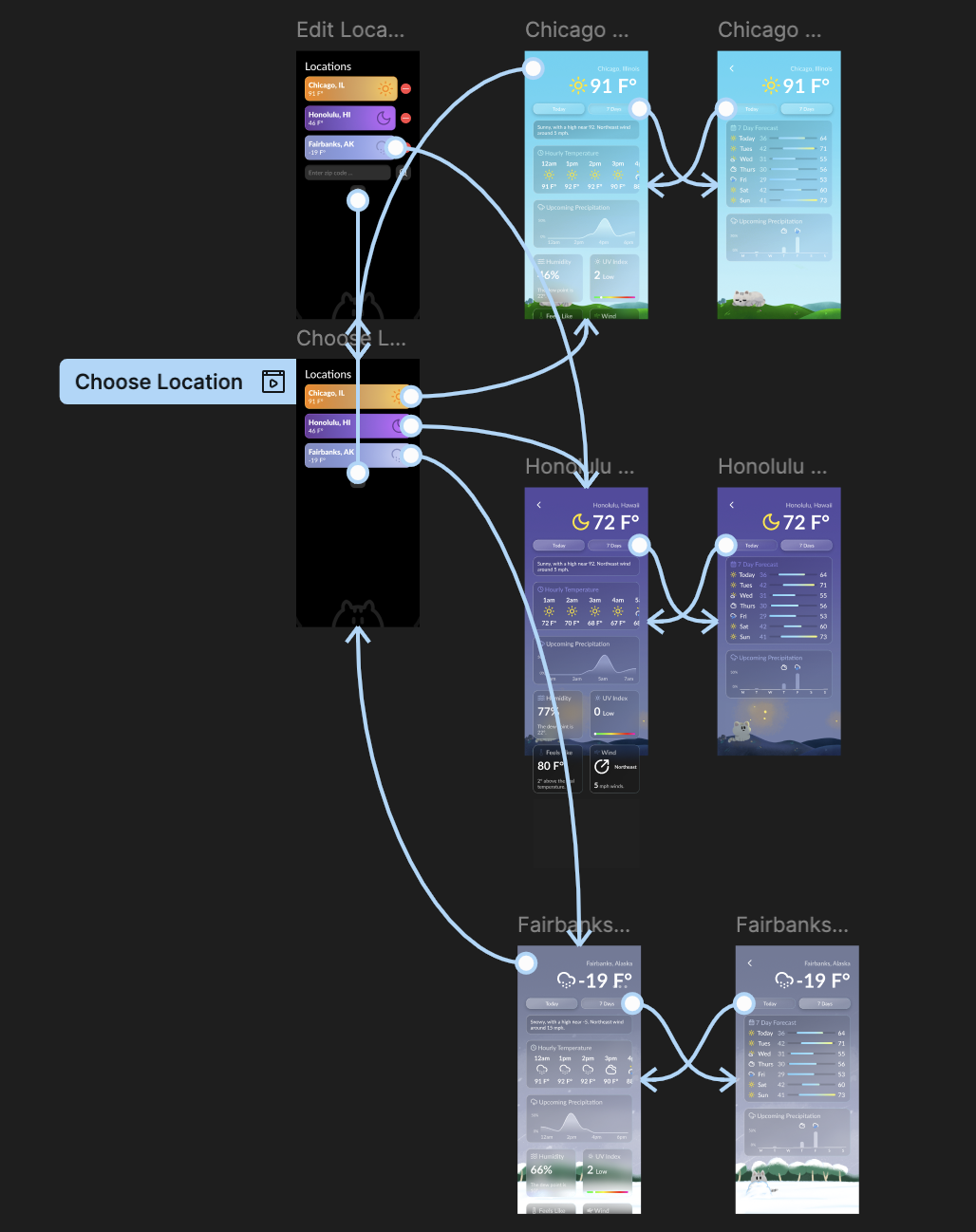 My initial Figma design.
 As per project instructions, we could take inspiration from existing apps. I took the UI design from the Apple weather app, and the playful elements from the old Google weather app, specifically the cute frog. I was so dissapointed when they removed this little mascot from their app, so I wanted to draw backgrounds to make the app more fun to look at.
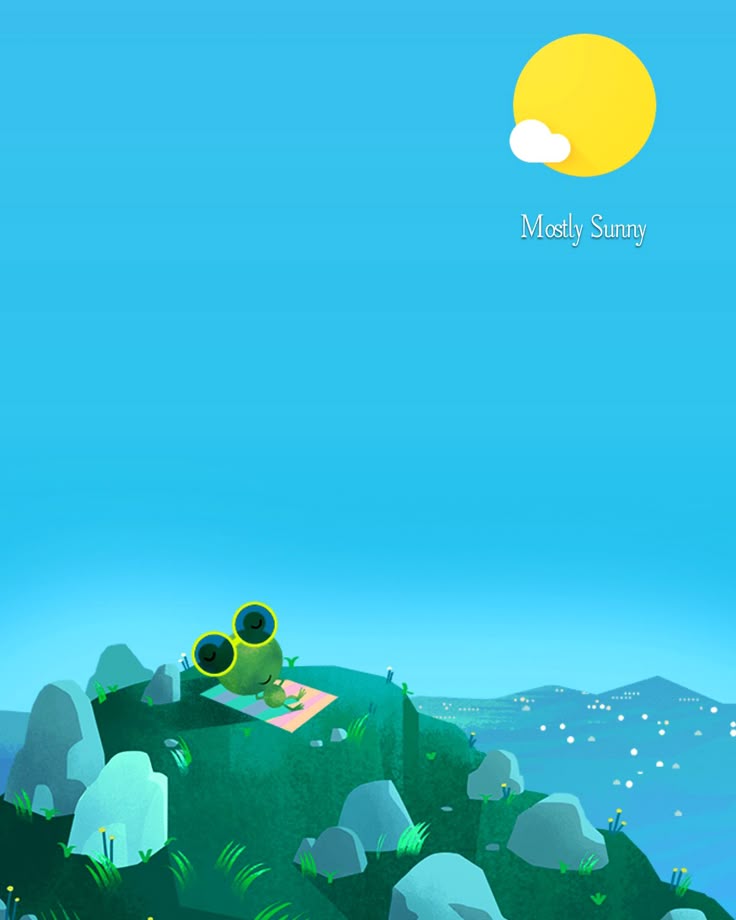 An example of a google frog background.
 This, however, was my first mistake. I had never drawn before, so I don't know why I even decided to do this. I initially wanted to draw a night and day background for rainy, cloudy, snowy, and sunny conditions, but I ended up just doing the day and night art. So, while it is good to push yourself to learn new skills, I was trying to do too much with too little time. My initial scope should have been smaller.
 The sunny night art.
 Implementing Designs
I had assumed that JavaFX used regular CSS, but it has its own, worse version of CSS that despised using. My design on Figma had the info cards with a frosted glass effect that is very easy to make in Figma and React with tailwind, but from my research online, it seemed really hard to make online and I learned to just drop it, no matter how much I wanted to keep my implementation as close to the original as possible.
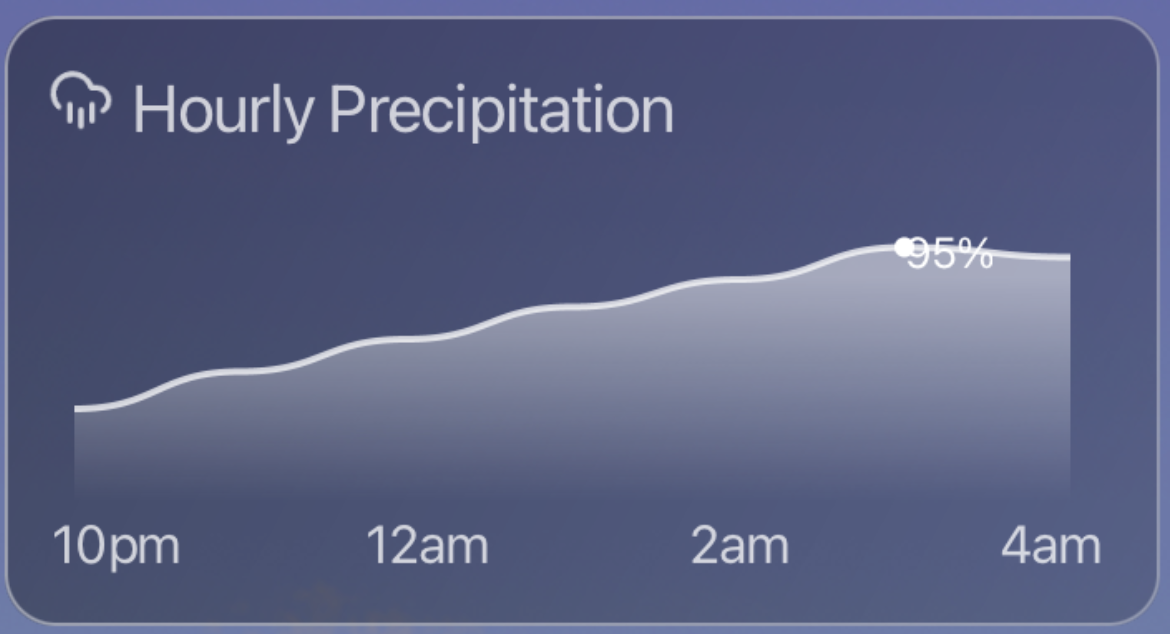
I won't go through every info card made, but just the harder ones. By far the hardest to implement is the hourly precipitation chance chart, and involved diving into Bezier curves, which I won't pretend I understand the math behind it. I found a great article here that explained how to implement charts like these. Even now, it still looks buggy, with the highest percentage number overlapping the line, but I didn't have any time to fix it, with an impending deadline incoming.
Another component was this scrollable card containing the hourly temperature and conditions for the next 12 hours in a very concise view. I used Lucide icons as pngs, loaded in as ImageViews. One downside of JavaFX is the lack of SVG support, so it was a bit annoying to get to work. I use the shortForecast to choose the icon, and the isDaytime data to choose the correct time icon for some that had night versions.
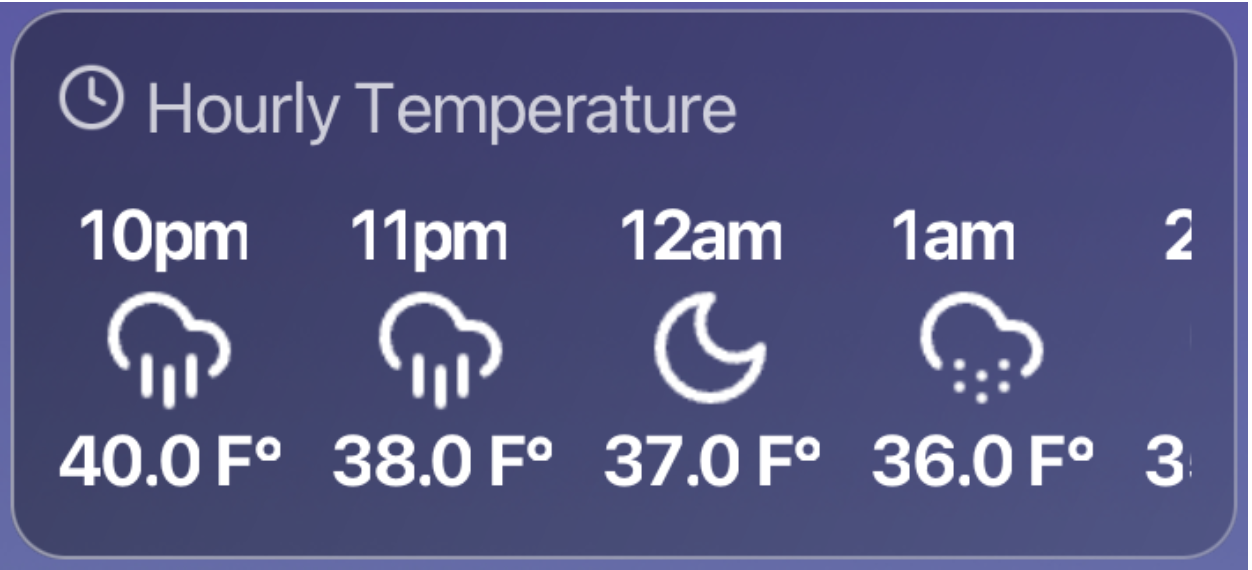
Here is an example (extremely condense and simplified) version of how I implemented this:
private VBox createHourlyTemperature(List<WeatherData.HourlyData> data) {
	HBox cards = new HBox(14);
	cards.setAlignment(Pos.TOP_LEFT);
	data.forEach(h -> {
		VBox card = new VBox(
			new Label(h.getTime()),
			getWeatherIcon(h.getShortForecast(), 38, h.getIsDaytime()),
			new Label(h.getTemperature() + " F°")
		);
		card.setMinWidth(52);
		card.setAlignment(Pos.CENTER);
		cards.getChildren().add(card);
	});
	ScrollPane container = new ScrollPane(cards);
	container.setHbarPolicy(ScrollPane.ScrollBarPolicy.NEVER);
	container.setVbarPolicy(ScrollPane.ScrollBarPolicy.NEVER);
	container.setFitToHeight(true);
	container.setStyle("-fx-background: transparent;");
	VBox main = new VBox(
		new HBox(5, Helpers.getIcon("clock", Color.WHITE, 20), new Label("Hourly Temperature")),
		container
	);
	main.setSpacing(10);
	return createBox(main);
}
Key Takeaway
Often, I give up on projects, but with a deadline, I learned to adapt. If you want to finish a project, prototype and design before coding anything. Also, learn to drop features if you can't do it or if it will sap the motivaton out of you. Overall, I am very happy with how this turned out. The project link can be found here.